Buying CS2 skins without research is one of the fastest ways to overpay. Steam Market listings move quickly, third-party sites show different prices, and case openings look exciting until the math catches up. Before you click “Buy,” spend five minutes checking prices, float, and expected value.
This guide covers a simple research workflow any player can use — and the free tools that make it faster.
1. Start with live Steam market prices
Every purchase should begin with a current Steam Community Market price. Ask:
- What is the median / recent sale price for this exact wear?
- Is the listing unusually cheap (possible scam / wrong exterior)?
- How does StatTrak™ compare to the standard version?
A reliable CS2 skin database saves time by grouping weapons, knives, and gloves with live Steam prices in one place. Instead of jumping between Market pages, you can scan AK-47s, AWPs, knives, and gloves side by side.
Tip: Always compare the same exterior (FN / MW / FT / WW / BS). A Factory New listing next to a Field-Tested “deal” is not a real discount.
2. Check float value before you commit
Float decides how a skin looks and often how it trades. Two Field-Tested skins can look completely different if one sits at 0.16 and the other at 0.37.
Quick checklist:
- Lower float in the same wear tier usually sells for more
- Some finishes (Doppler, Fade, Case Hardened) care more about pattern than float
- Ultra-low floats can carry a premium that is not worth it for every skin
If you are buying for play, prioritize looks. If you are buying to trade, prioritize market demand for that float/pattern combo.
3. Test case odds with a free CS2 case simulator
Case openings are entertainment, not investing. Community-consensus drop rates are roughly:
| Rarity | Approx. chance |
|---|---|
| Mil-Spec (Blue) | ~79.92% |
| Restricted (Purple) | ~15.98% |
| Classified (Pink) | ~3.2% |
| Covert (Red) | ~0.64% |
| Special (Knife/Gloves) | ~0.26% |
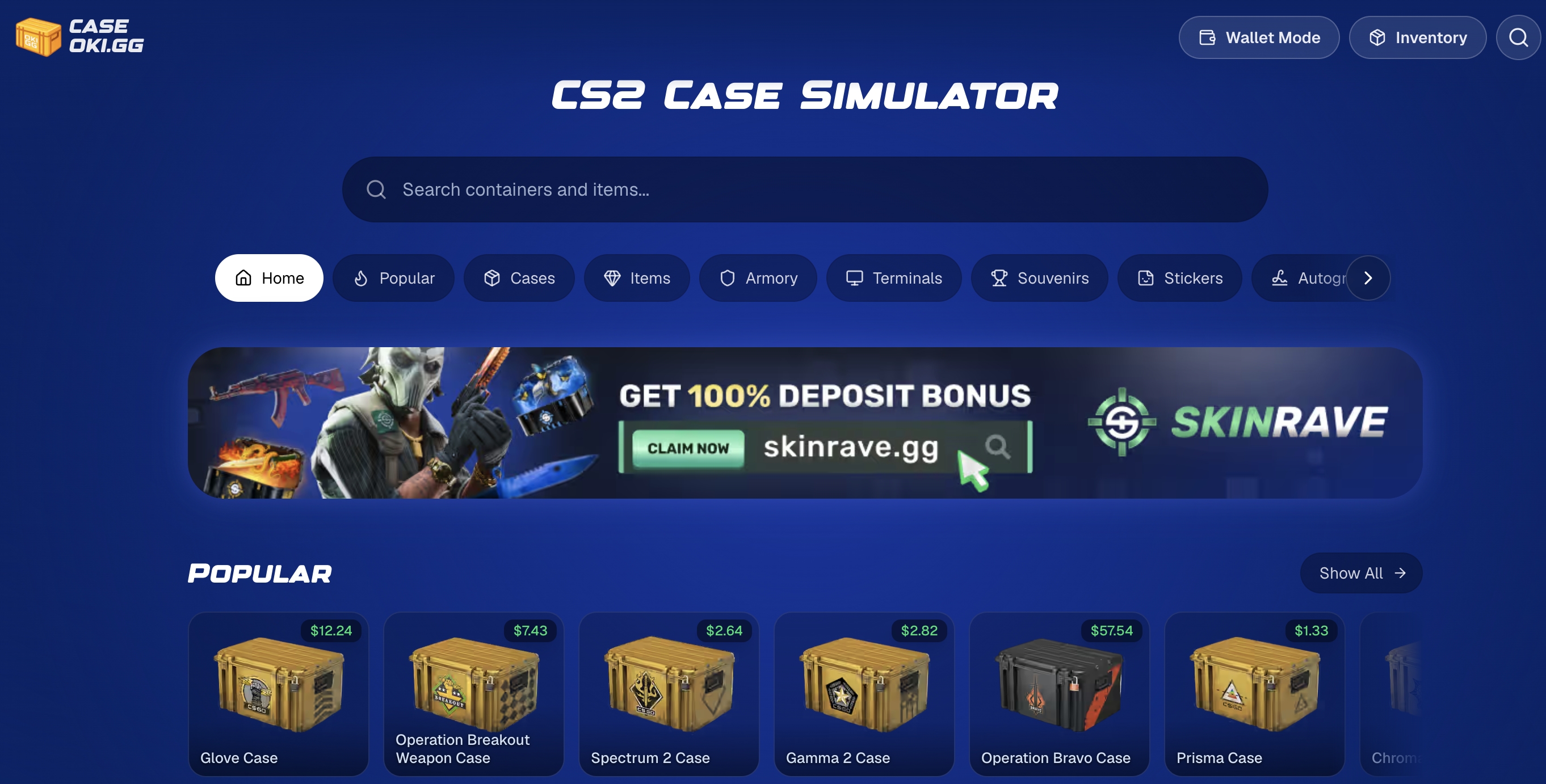
Before spending on keys, use a free CS2 case simulator. A good simulator should:
- Use in-game style drop rates
- Show Steam-based prices on outcomes
- Require no sign-up