TikTok & Instagram Slideshow Maker for Reels, Carousels & Photo Posts
Turn one product photo into TikTok and Instagram slideshows, photo carousels, Reels, and multi-angle product content for social media posts.
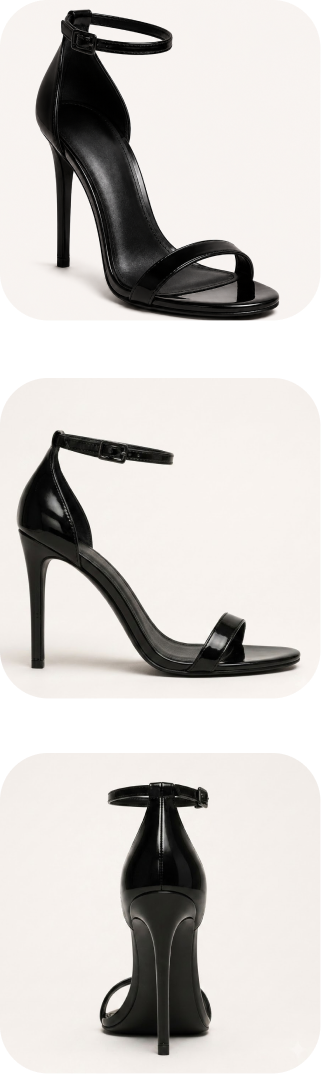
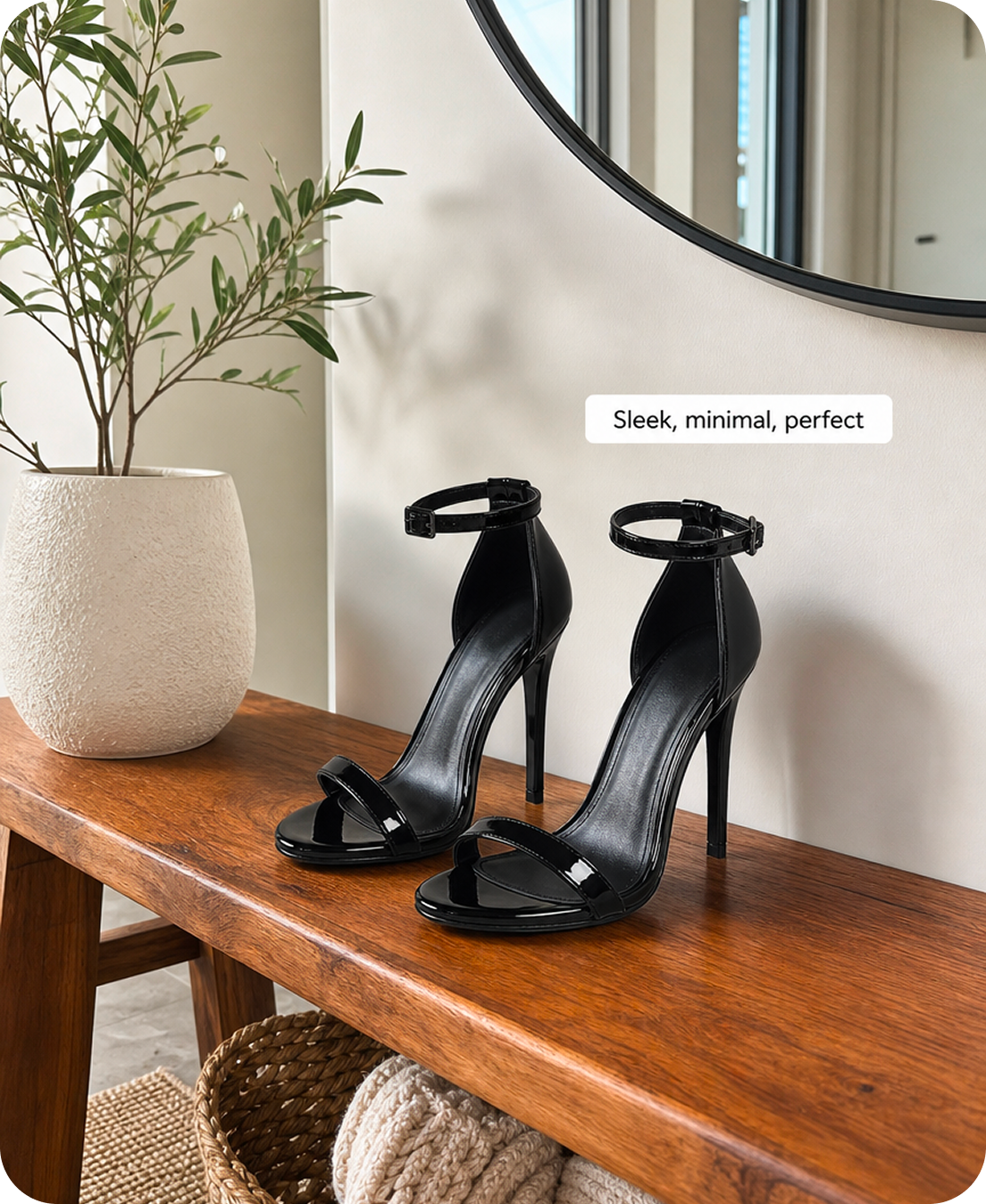
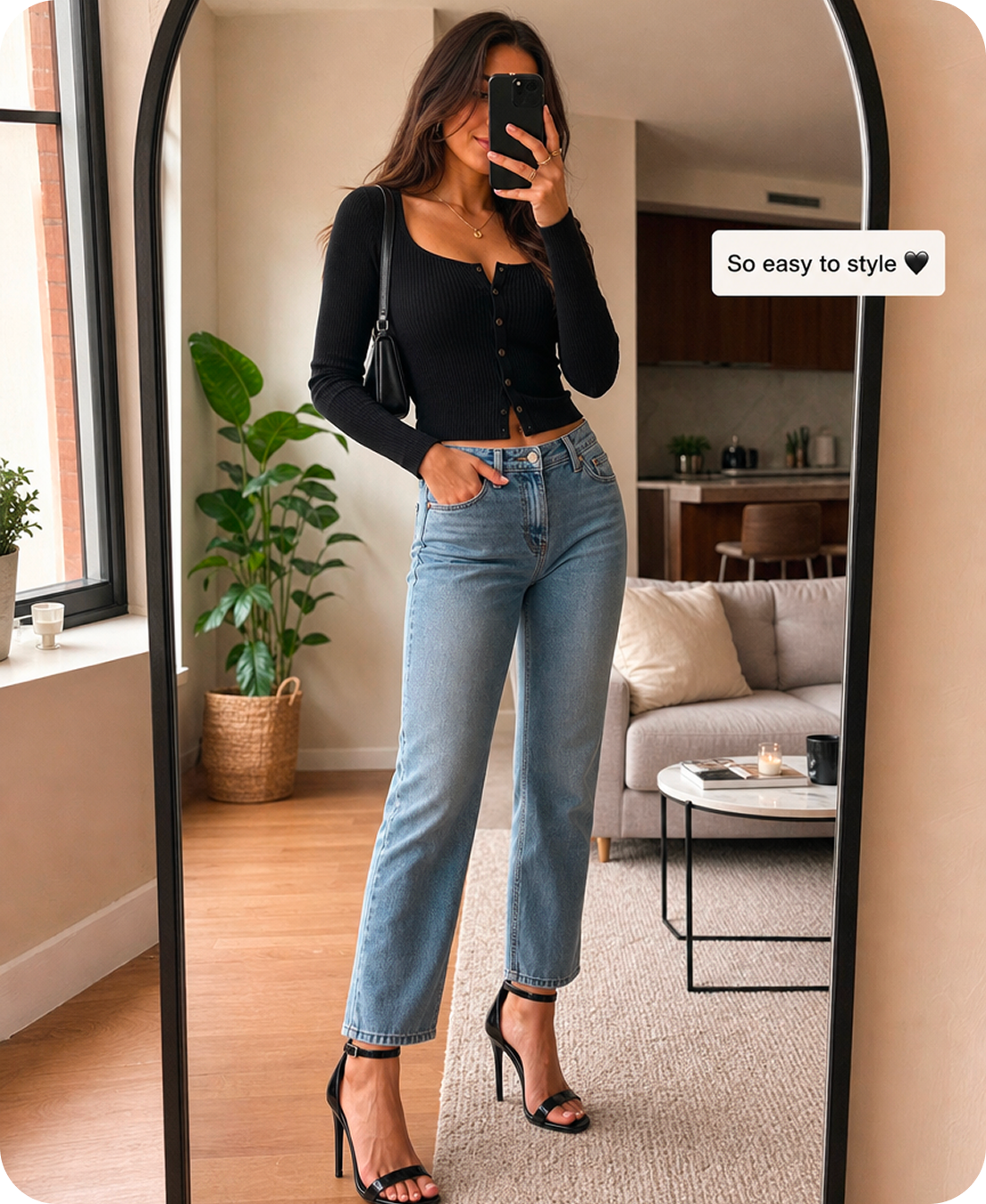
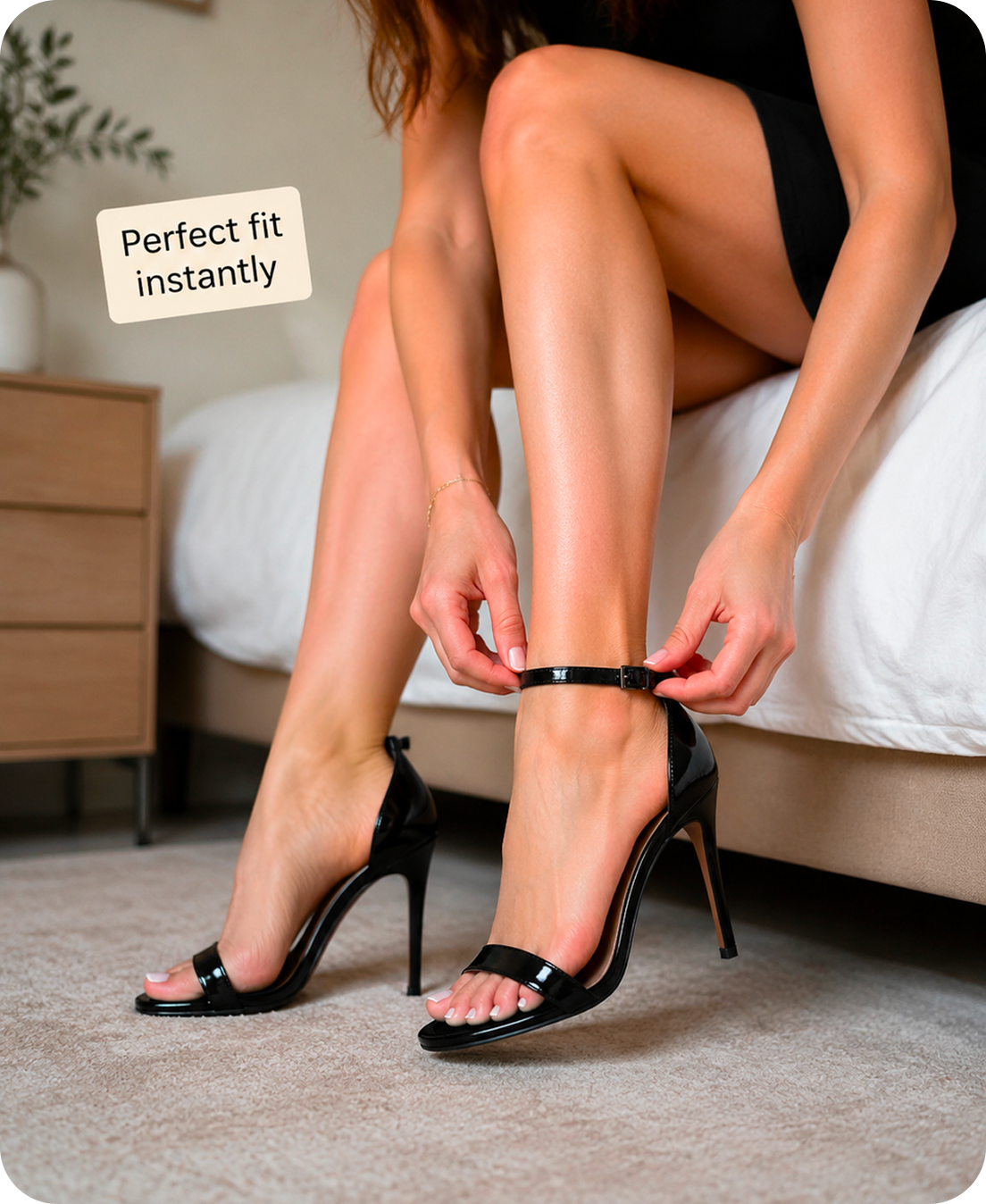
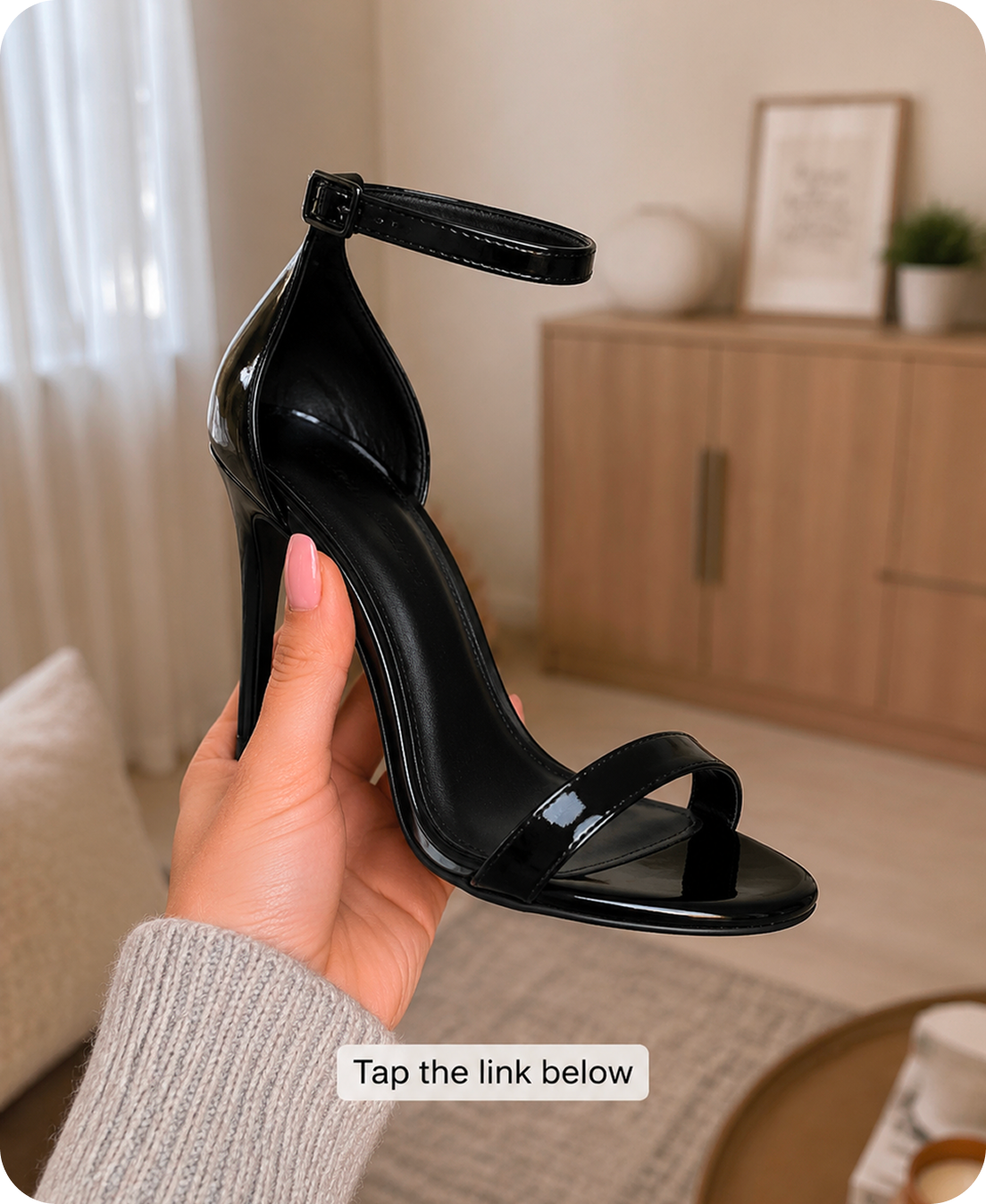
AI TikTok Slideshow & Photo Carousel Examples
TikTok Slideshow Maker FAQ
Upload one product photo to Oumomo's TikTok & Instagram Slideshow Maker. Oumomo generates multiple AI image variations for TikTok Photo Mode, including clean product shots, multi-angle views, and poster-style layouts. You can then use the generated images to create a swipeable TikTok slideshow or photo carousel in TikTok&Instagram. If you need hooks or selling-point ideas before designing the slides, use Viral Script Generator.
They describe nearly the same TikTok content format from different angles. TikTok Photo Mode is the platform feature for posting multiple swipeable images. A TikTok slideshow is the common user term, while photo carousel describes the same swipe-based image experience. For TikTok Shop sellers, this format can show product angles, benefits, packaging, and use cases without making a full video.
TikTok Photo Mode lets creators post multiple images that viewers can swipe through. Shoppable Photos are TikTok Shop photo posts that can include product shopping entry points when the seller has access. Oumomo helps sellers prepare TikTok Shop images for this format by turning one product photo into multiple slideshow-ready image assets. If you need to publish or manage TikTok posting workflows, see TikTok Official API Publishing.
Only sellers with access to TikTok Shop's Shoppable Photos feature can attach shopping entry points to photo posts. If your account does not have access yet, you can still use Oumomo to generate TikTok slideshow images and prepare product photo carousel content for regular Photo Mode posts. Before publishing, you can review creative readiness with TikTok Pre Check.
Need motion instead of a photo carousel? Try Link to Video to turn a product link into a TikTok video, or use Viral Remake when you want to follow the structure of a proven TikTok ad.