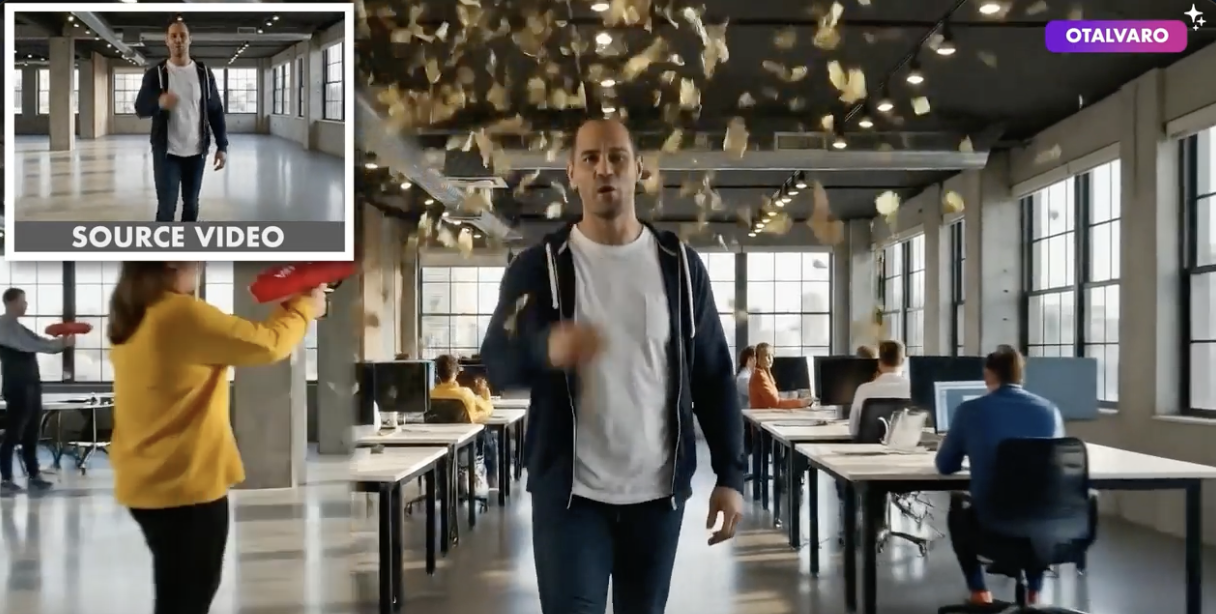
Veo 3.1 Video Generator

Create social-ready videos with Veo 3.1, Google’s advanced AI video generator for text-to-video and image-to-video creation. Generate videos with accurate prompt understanding, seamless scene continuity, and native 9:16 vertical output—enhanced by oumomo Prompt Optimizer for faster, more consistent results. Start your free experience on oumomo today.

Reference image
⚡ 0 credits

Key features of Veo 3.1

  • More reliable prompt response: Veo 3.1 follows scene intent, camera direction, and subject behavior more consistently when prompts are clearly structured.
  • Native 9:16 output: Vertical generation makes Veo 3.1 more practical for TikTok, Shorts, and other mobile-first publishing workflows.
  • Stronger image-to-video motion: Reference images can be animated more naturally while keeping the main subject and environment steadier.
  • Better cinematic control: Veo 3.1 is a strong fit for product reveals, dramatic motion, environmental storytelling, and polished ad concepts.
  • Higher-quality delivery: Better upscaling and cleaner output make it more usable for sharper social exports and presentation-ready clips.
  • More useful prompt workflow on oumomo: AI Prompt Optimize helps translate rough ideas into Veo-friendly prompts for faster iteration and cleaner results.

TikTok Videos about Veo 3.1
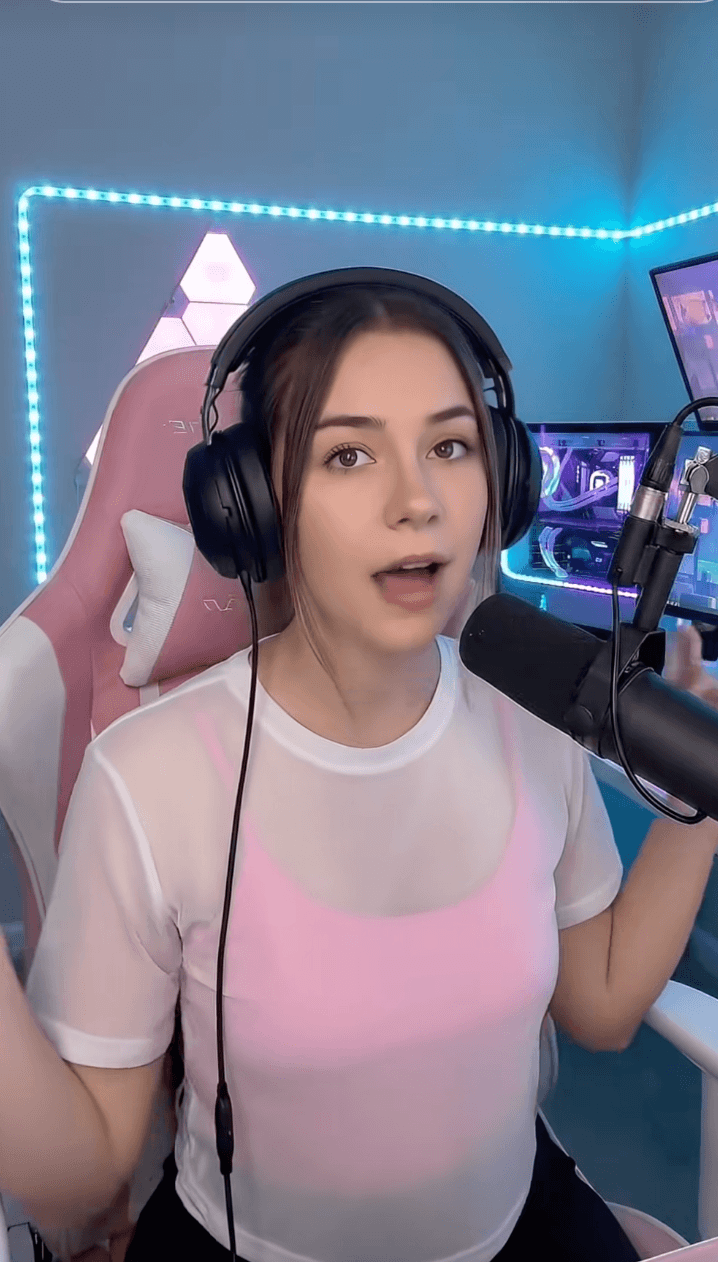
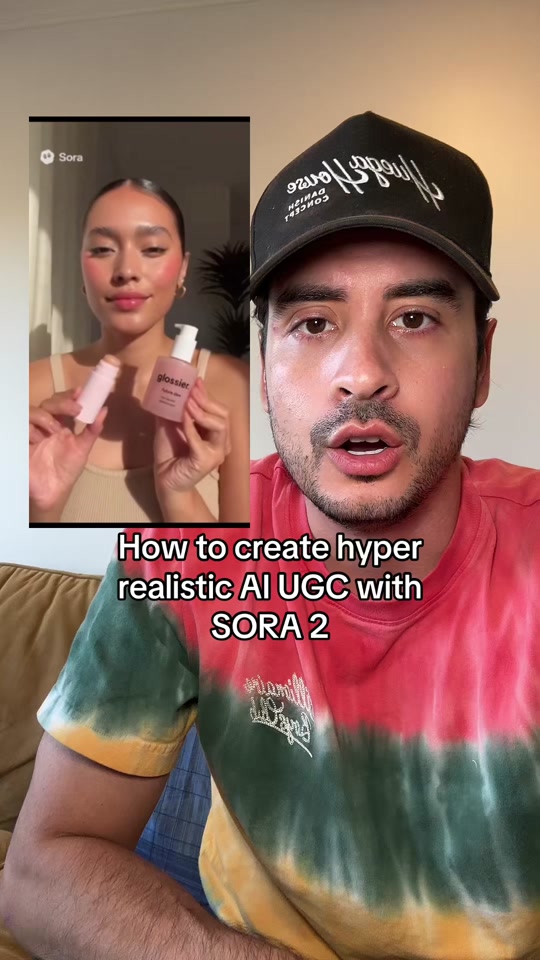
TikTok Shop creator-style product hook by @therapyiswaytooexpensive
@therapyiswaytooexpensive
TikTok Shop creator-style product hook
TikTok thumbnail for AI UGC ecommerce post by @ericdoesecom
@ericdoesecom
AI UGC ecommerce reaction post
TikTok search for Veo 3.1
TikTok discovery
Veo 3.1 TikTok search route
TikTok tag veo3
TikTok discovery
Veo / veo3 tag exploration

How to use Veo 3.1

Write the scene clearly

Start with the subject, action, setting, pacing, and camera intent. If you have a reference image, use it to guide composition and continuity.

Optimize the prompt

Use AI Prompt Optimize to turn rough notes into clearer Veo 3.1 instructions with stronger camera language, action logic, and output direction.

Generate and review

Generate the clip, review motion quality and scene consistency, then tighten the prompt until it feels right for Shorts, TikTok, or ad delivery.

Comparison: Veo 3.1 vs. Seedance 2.0 vs. Sora 2

FeatureVeo 3.1Seedance 2.0Sora 2
Core strengthPrompt-following, cinematic structure, and audio-aware storytelling.Reference control, motion consistency, and multi-shot continuity.Visual realism, UGC feel, and polished social-style rendering.
Best workflow fitShort-form narrative ideas, creator demos, and vertical publishing tests.Storyboard-heavy production, reference-driven concepts, and style continuity.Product videos, creator-style ads, and realistic social video content.
Prompt handlingStrong when camera behavior and scene intent are clearly described.Strong when references and shot logic are provided together.Strong for visual mood and product framing, but can still need tighter prompt cleanup.
Vertical video useNative 9:16 support makes mobile-first creation easier.Flexible for short-form layouts with reference-heavy direction.Works well for creator-style vertical ads and product storytelling.
oumomo workflow valuePrompt optimization and structured iteration make Veo 3.1 easier to steer.Reference-friendly prompting helps teams get more stable scene control.Prompt cleanup helps produce more conversion-ready UGC-style video outputs.

YouTube Videos on Veo 3.1 AI Video Model
Reddit Posts About Veo 3.1 AI Video Model
X Posts About Veo 3.1 AI Video Model

Veo3.1 FAQ

What is Veo 3.1?
Veo 3.1 is Google’s AI video model for text-to-video and image-to-video generation. It is a strong fit for creators and teams that want clearer prompt control, more polished motion, and a workflow that feels more useful for short-form content, product storytelling, and creative testing.
How is Veo 3.1 different from earlier Veo versions?
Compared with earlier Veo releases, Veo 3.1 feels more mature in prompt understanding, shot control, and short-form usability. In practice, that means it is easier to guide scene pacing, vertical framing, and overall visual direction without fighting the model as much.
Is Veo 3.1 good for TikTok, Shorts, and vertical video workflows?
Yes. Veo 3.1 is especially useful when you need short-form pacing, clearer opening hooks, and native vertical output. It works well for social-first edits, creator-style storytelling, concept ads, and early tests for short-form video campaigns.
Why use AI Prompt Optimize with Veo 3.1?
AI Prompt Optimize helps turn rough ideas into clearer Veo-ready prompts. That usually makes it easier for the model to follow camera direction, movement, timing, and scene intent, especially when you are trying to build short-form clips that need to feel specific rather than generic.
Can Veo 3.1 work well with image-based or guided workflows?
Yes. Veo 3.1 becomes much more useful when you already know the kind of scene, subject, and framing you want. If you are starting from a reference image or a tightly structured idea, it is easier to keep the output aligned with the direction you had in mind.
How much does Veo 3.1 cost on oumomo, and is there a free trial?
After you sign up, oumomo gives you free credits so you can try Veo 3.1 before paying. After that, Veo 3.1 is charged by credits based on output settings. The practical advantage is not just access, but having a workflow where you can optimize prompts, iterate faster, and spend less time rewriting the same idea over and over.
Is Veo 3.1 good for product videos, ads, and creator-style content?
Yes. Veo 3.1 works well for product storytelling, short ad concepts, creator-style edits, and vertical social content where timing and framing matter. It is especially useful when you need to test different hooks, product angles, or visual directions before committing to a final cut.
What is the easiest way to get started with Veo 3.1?
Start with one subject, one action, one setting, and one clear camera direction. Veo 3.1 usually performs better when the prompt is simple and specific, rather than overloaded with too many ideas at once. Once the first result is close, refine the pacing, framing, and style step by step.
How should I think about Veo 3.1 compared with Sora or Seedance?
Veo 3.1 is a strong choice if you care about prompt-following, scene control, and short-form composition. Seedance tends to stand out more in reference-driven workflows, while Sora is often more appealing when teams want stronger realism or a more social-native look. The right choice depends on whether your priority is control, realism, or workflow fit.
oumomo Logo

AI generation tools that are more in line with the tiktok ecosystem. Massive data and products, can be used by influencers and merchants.

Models

  • Seedance-2.0
  • Sora2
  • Veo3.1
  • Nano Banana
  • Gemini-3-flash-preview
  • Gemini-3-pro-image-preview
  • Doubao-Seedream-5.0-lite
  • Doubao-Seed-2.0-pro
  • Seedance-1.5

Company

Get Started

No credit card required for trial.

Scan to join oumomo Discord.

© 2026 oumomo AI. All rights reserved.

Veo 3.1 AI Video Generator | Google Veo 3.1 on oumomo